
There are two ways of checking the types of the activities that have previously been built in your curriculum.
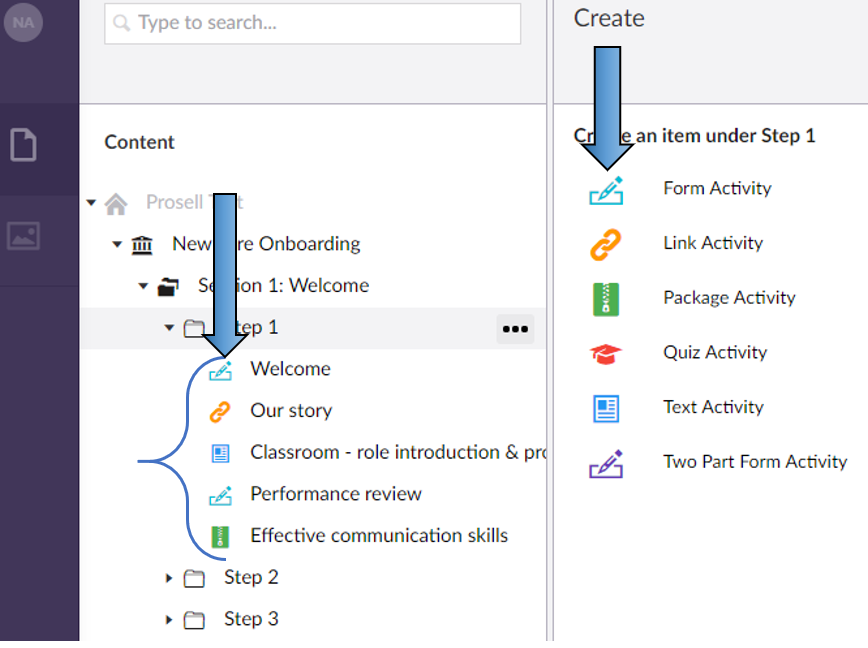
1. By looking at the curriculum structure and expanding the sections and steps, each activity will have a colored-icon beside it which represents its activity type. If you are unsure which icon is for which activity type, you can go to create a new activity and you will have visibility of this. For example, in the screenshot below the activity titled Welcome is a Form Activity.
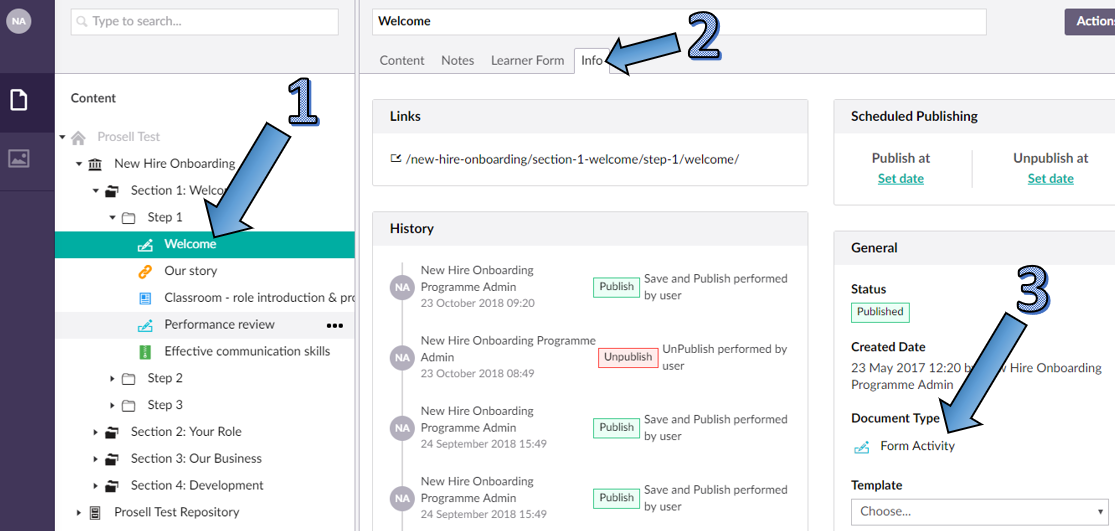
2. Alternatively, you can check the type of an activity by selecting the activity and going to its 'Info' tab. There will be a field for 'Document Type'.
Comments
0 comments
Please sign in to leave a comment.