
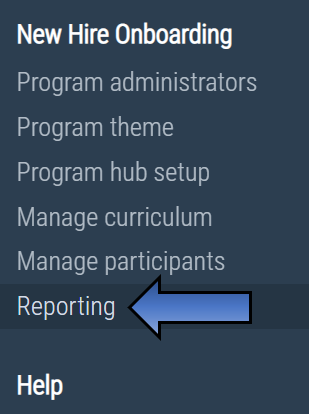
If you have been given access to the reports for a program, you will be able to see the item 'Reporting' on the left-hand navigation menu. If you cannot see this option on your menu then you might need to check your reporting access.
You will then see a list of the 12 available reports with an explanation beside each and a button to open that report.

Comments
0 comments
Please sign in to leave a comment.