
Back in February 2019 we made some changes to reports to ensure that sections, activities and form questions are displayed in the same order that they appear in the curriculum.
Order of Sections and Activities in the Curriculum
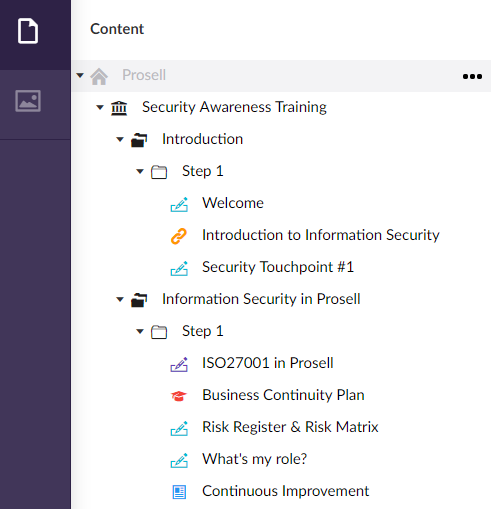
Order of Sections and Activities in the Admin Dashboard Reports
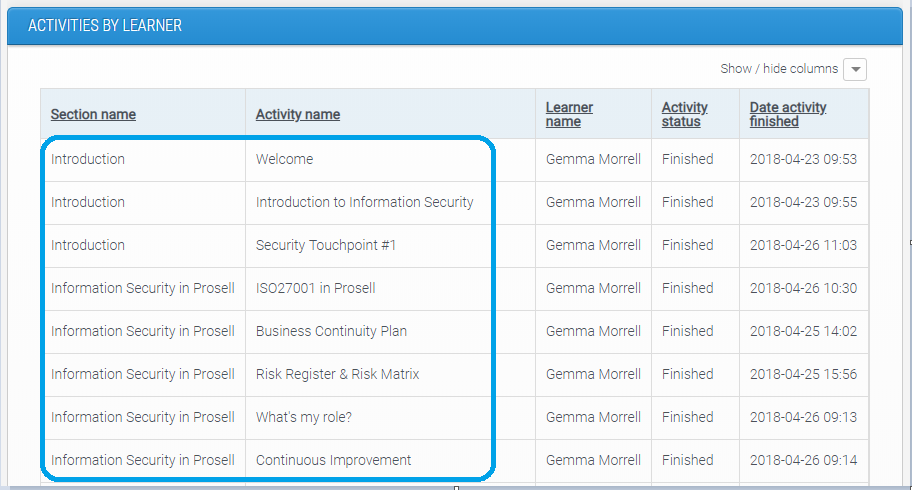
If needed, the order of data displayed in the on-screen reports can be changed to display in alphabetical or chronological order, depending on the column chosen to sort by (this can be done by clicking the column heading).
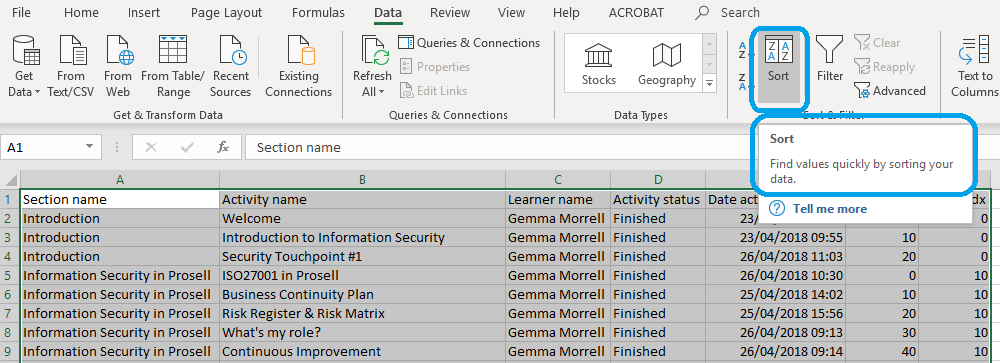
If the report is downloaded as a csv rather than viewed on screen, there will be additional columns for the Section ID and Activity ID.

You can use the 'Sort' function in Excel to change the order of the data in the csv spreadsheet download.
Comments
0 comments
Please sign in to leave a comment.