
There is now an option to only display a thumbnail (image) on the home page, without taking up any space on the synopsis page.
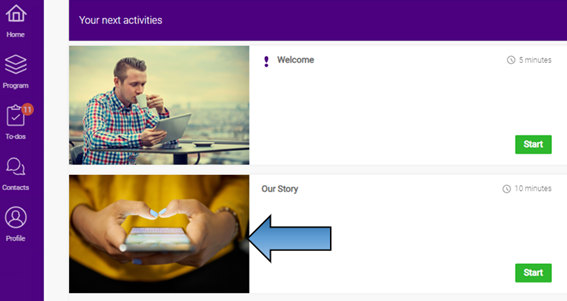
As you can see above, thumbnail for ‘Our Story’ is visible on the home page, however, in the screenshot below the space that the thumbnail would normally have been positioned within is filled with the synopsis text, therefore providing more space for inserting graphics, text and embedding content.

To hide thumbnail image from the synopsis page, select your thumbnail image, as you would normally do in the CMS.
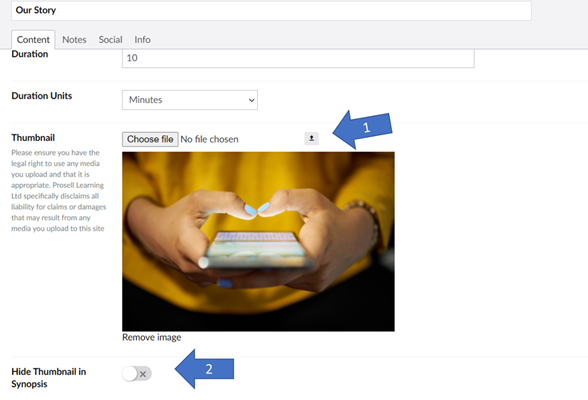
Then toggle the ‘Hide Thumbnail in Synopsis’ switch.
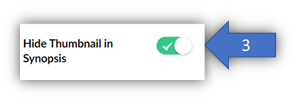
If you make this change in the CMS, currently enrolled users will not be automatically affected. In order to push this change to your existing users, you can either reset their timelines or update their timelines if you don’t want to affect their current progress.
Please refer to this HELP article if you want to see how to update your learners timelines.
If you want to see how to reset their timeline, please follow this link.
Comments
0 comments
Please sign in to leave a comment.